- Google Meet
- Zoom
Meeting links sent automatically: Google Meet and Zoom
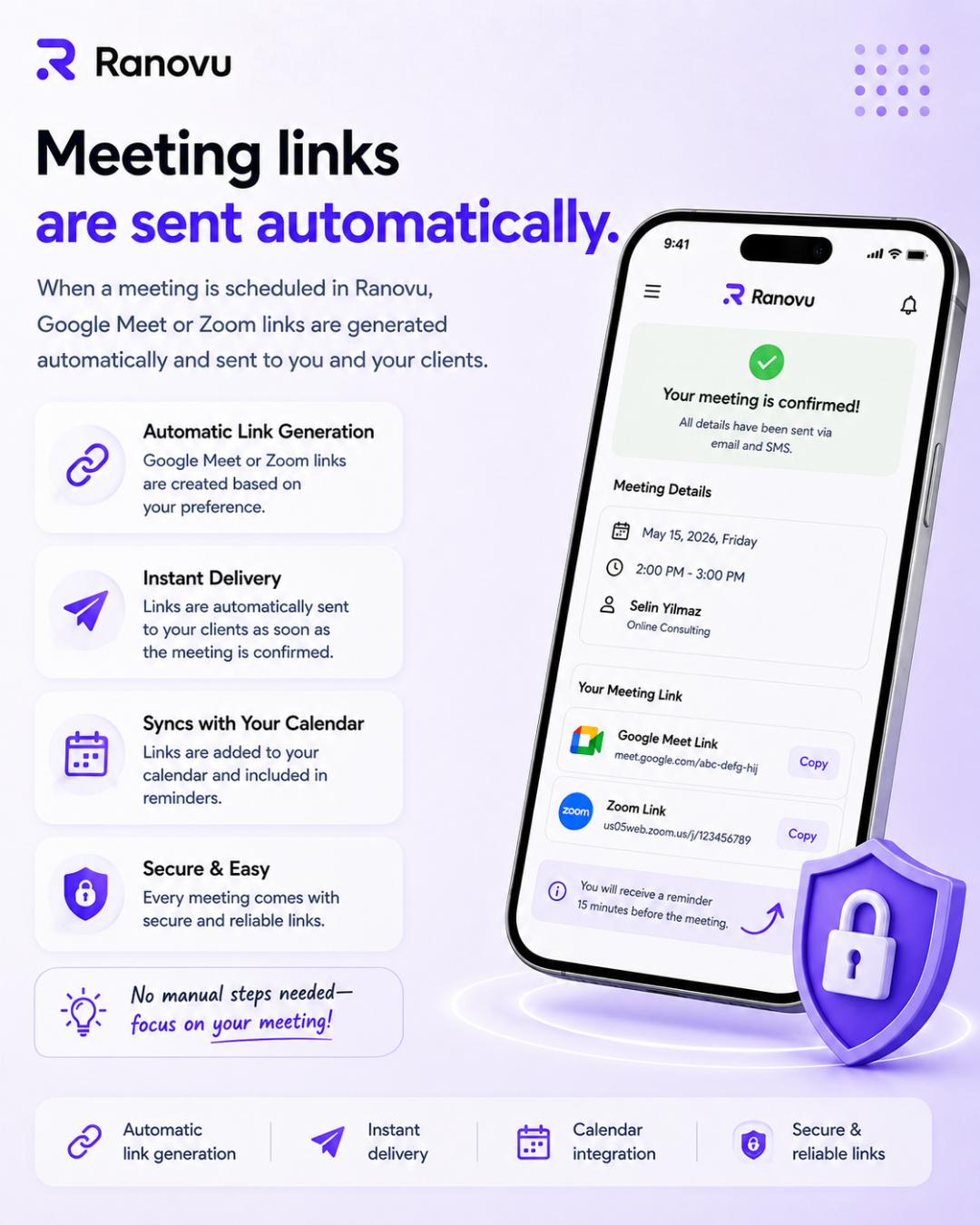
When an appointment is confirmed, Google Meet or Zoom links are created and delivered to clients. Simplify your online session workflow with Ranovu.
Why manual link sharing burns time
Anyone running online sessions knows the loop: confirm booking → create Meet/Zoom → copy link → send by email or chat → add to calendar. At scale, minutes become hours.
Error risk is high too: wrong time, stale link, forgotten client.
Ranovu automation
Choose Google Meet or Zoom; links are generated when the appointment is created. On approval, the client receives the link; it is attached to calendar records and reminders.
Each session gets a unique, secure link. Your focus stays on the conversation - not link operations.
Aligned with calendar and reminders
The link is not trapped in a single message; it appears on your synced calendar and can be included in reminder messages.
That consistency professionalizes the client experience and helps reduce no-shows.
Sources and further reading
- Google Meet - official helpsupport.google.com
- Zoom - trust and securityexplore.zoom.us
Get started with Ranovu
Create a free account and publish your booking site in minutes.